

There is a particular kind of frustration that comes with traditional video editing. You spend hours cutting, trimming, adjusting keyframes, and rendering, only to realize the final product still does not quite match what you imagined. The friction between intention and execution is exhausting. This is why a growing number of creators are shifting their approach. Instead of learning complex editing software, they are learning to write better prompts. The shift from editing to directing represents a fundamental change in how video content gets made, and it is driving renewed interest in image to video ai as a core part of the creative workflow.
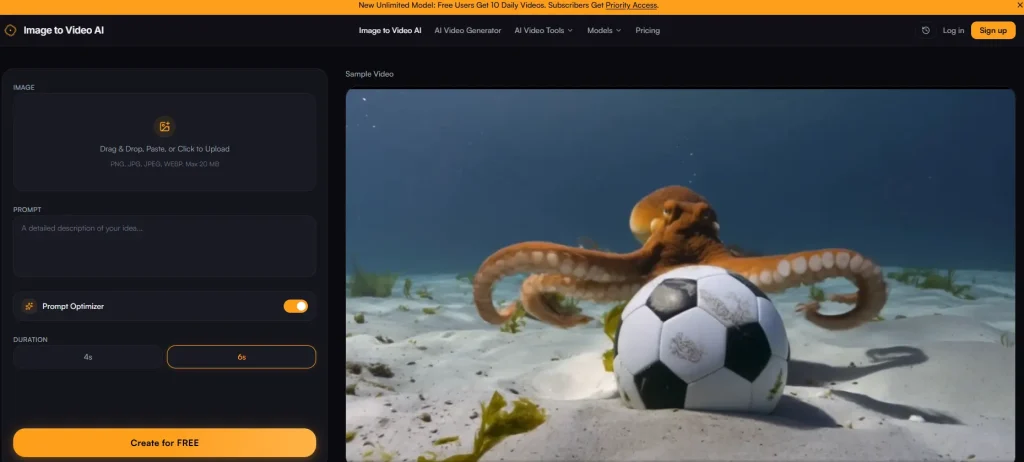
The premise is simple. You provide the visual source material and the creative direction. The AI handles the execution. This does not mean the creative work is done for you. It means the creative work shifts from technical manipulation to conceptual articulation. You spend less time figuring out how to make something move and more time deciding what should move and why.
The Three-Step Workflow That Changes How You Work
The platform I tested operates on a structure that feels more like giving directions to a skilled assistant than operating a machine. Each step requires a different type of creative input, and understanding the role of each step is key to getting good results.
Step 1: Selecting and Framing Your Source Material
Why Image Choice Determines Output Quality
You begin by uploading a photo in JPG, PNG, or WEBP format, with a 20MB file size limit. Before generation starts, you can crop and frame the image to your desired aspect ratio. This is not a trivial step. The composition of your source image directly affects how the motion will read. An image with a clear focal point and visual hierarchy will produce more coherent motion than a cluttered image where it is unclear what the subject is. The framing tool gives you control over this before the AI processes anything, which means you are not gambling on whether the algorithm will interpret your image the way you intended.
Step 2: Writing the Prompt That Directs the Motion
The Art of Describing Motion in Words
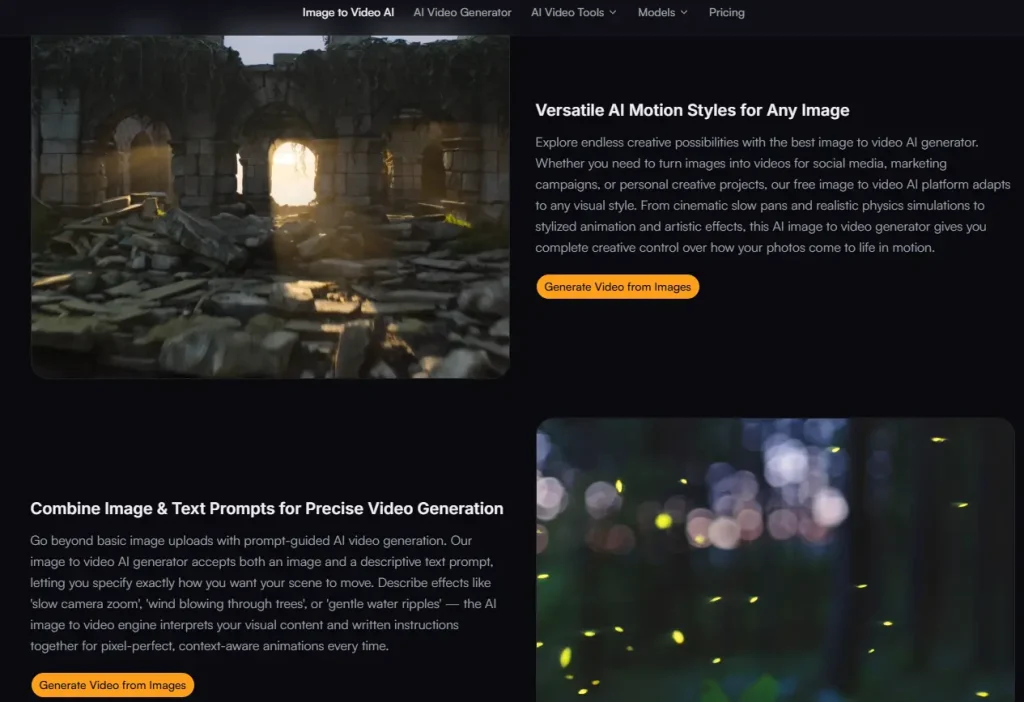
This is where the real creative work happens. You enter a text prompt describing the motion and effects you want. Keywords like “slow zoom in”, “gentle sway”, or “flowing water” guide the engine. The platform emphasizes that the more specific your prompt, the better your result. This is not just marketing language. In practice, treating the prompt like a creative brief produces significantly better results than treating it like a casual description. Describe not just what moves, but how it moves, at what pace, and with what emotional tone. The engine interprets both your visual content and your written instructions together, which means the prompt is not operating in isolation. It is working in concert with the visual information in your image.
Step 3: Generating, Previewing, and Refining
The Iterative Loop That Builds Confidence
Click generate and watch as the engine transforms your photo into a dynamic video. Preview the result, make adjustments if needed, and download your finished clip. The entire workflow is designed to be fast enough that you can experiment. This iterative capability is important because it acknowledges that the first attempt may not be perfect. Rather than forcing you to accept whatever the algorithm produces, the workflow supports refinement. You can tweak your prompt, adjust your framing, and try again until the result matches your vision.
What the Motion Quality Actually Looks Like in Practice
Describing motion quality is difficult without showing examples, but some patterns emerged during testing that are worth articulating.
Contextual Understanding is the most noticeable differentiator. When you prompt “wind blowing through trees” on a landscape photo, the engine identifies the trees and applies motion that feels physically plausible. This is not perfect every time, but the contextual understanding is significantly better than tools that apply uniform motion to the entire image.
Resolution and Clean Output matter for professional use. The platform delivers output at up to 1080p resolution. The free tier includes a small watermark, while paid plans remove it and unlock higher resolutions. The clean output means your videos are usable across major platforms without looking obviously AI-generated in a low-quality way.
Speed is another practical advantage. The optimized pipeline delivers results in seconds rather than minutes. This matters when you are producing content at volume. Waiting five minutes per clip kills momentum. Waiting five seconds keeps you in flow.
Real Applications That Go Beyond the Hype
The platform’s user testimonials provide a window into how different professionals are actually using the tool. These are not generic endorsements. They describe specific workflows with measurable outcomes.
Real Estate Agents are turning listing photos into cinematic property walkthroughs. One realtor reported that buyers spend more time on listings with video previews. The motion feels natural rather than gimmicky, which is essential for property presentation.
Marketing Managers are turning product stills into social media clips in under a minute. The motion quality and creative control are genuinely impressive for a free tool.
E-commerce Store Owners are adding video previews to product pages and seeing measurable conversion increases. One store owner reported a nearly 40% increase. Shoppers engage longer when they see products in motion.
Designers are using the tool to bring client mockups and concept boards to life. The motion feels natural, not robotic, which matters when presenting to clients.
A Practical Comparison: Understanding the Trade-Offs
| Dimension | This Image-to-Video Approach | Typical Alternative Tools |
| Creative Input | Image plus descriptive text prompt. | Image only, or image plus limited preset options. |
| Motion Control | Prompt-driven with contextual understanding. | Preset templates or unpredictable automated animation. |
| Output Quality | Up to 1080p with clean output on paid plans. | Often capped at lower resolution or branded with watermarks. |
| Turnaround Time | Seconds, supporting rapid iteration. | Minutes or longer, discouraging experimentation. |
| Learning Investment | Minimal. Learn to write better prompts. | Significant. Learn editing software or animation principles. |
| Result Consistency | Varies with prompt quality and image complexity. | Often inconsistent regardless of input quality. |
The Honest Limitations That Come with the Territory
The platform is not a replacement for professional video production. The quality of your output depends heavily on the quality of your prompt. Vague or poorly constructed prompts produce generic or inconsistent results. Complex scenes with multiple moving elements may require multiple attempts to get right. Results may vary between attempts even with the same prompt and image, which is characteristic of generative AI systems rather than a flaw unique to this platform.
The free tier includes a small watermark on outputs. If you are producing content for clients or commercial use, the paid tier is worth considering. If you are experimenting or producing personal content, the free tier offers generous daily generations without requiring a credit card.
Who This Workflow Actually Serves
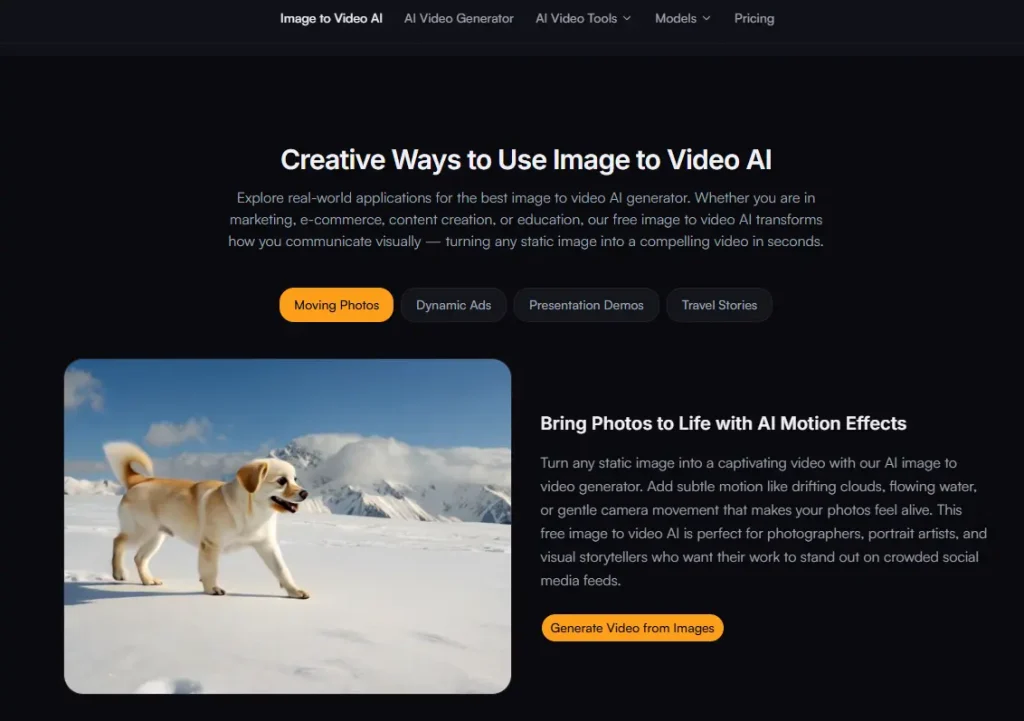
This tool is not trying to replace professional video editors. It is trying to serve a specific segment of creators who need to produce video content but do not have the time, budget, or skills to do it through traditional means. It is best suited for content creators who need to produce social media content at volume, e-commerce operators who want to add motion to product pages, real estate agents who need property walkthroughs, and designers who want to present concepts in motion.
For professional filmmakers or editors who need fine-grained control over every frame, this is not the right tool. But for the vast majority of creators who just need a reliable way to turn still images into engaging clips using ai image to video technology, the platform delivers on its core promise without unnecessary complexity. The broader trend in AI creative tools is moving toward accessibility without sacrificing quality. This platform fits squarely into that trajectory, focusing on doing one thing well: taking an image and a description and producing a video that looks like it took more effort than it actually did.